Android App
Go Mode is the Android app for caic. It is a native shell that hosts the caic web frontend in a WebView and adds native capabilities the browser cannot provide: voice, notifications, screenshot capture, and Halo glasses management. You get the full caic web experience plus hands-free control from your phone.
Task list
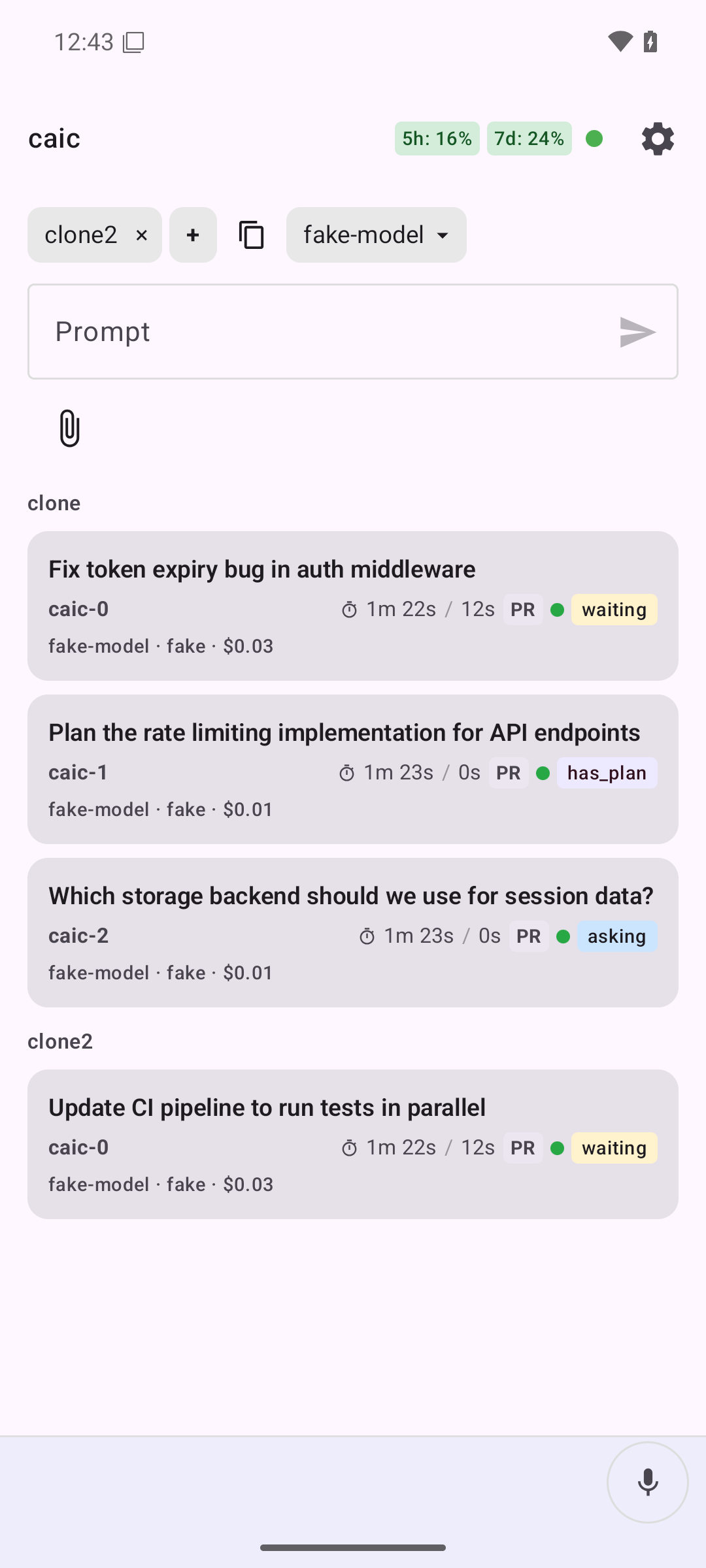
All running agents at a glance. See prompt, branch, status, cost, and CI results for each task.
Task detail
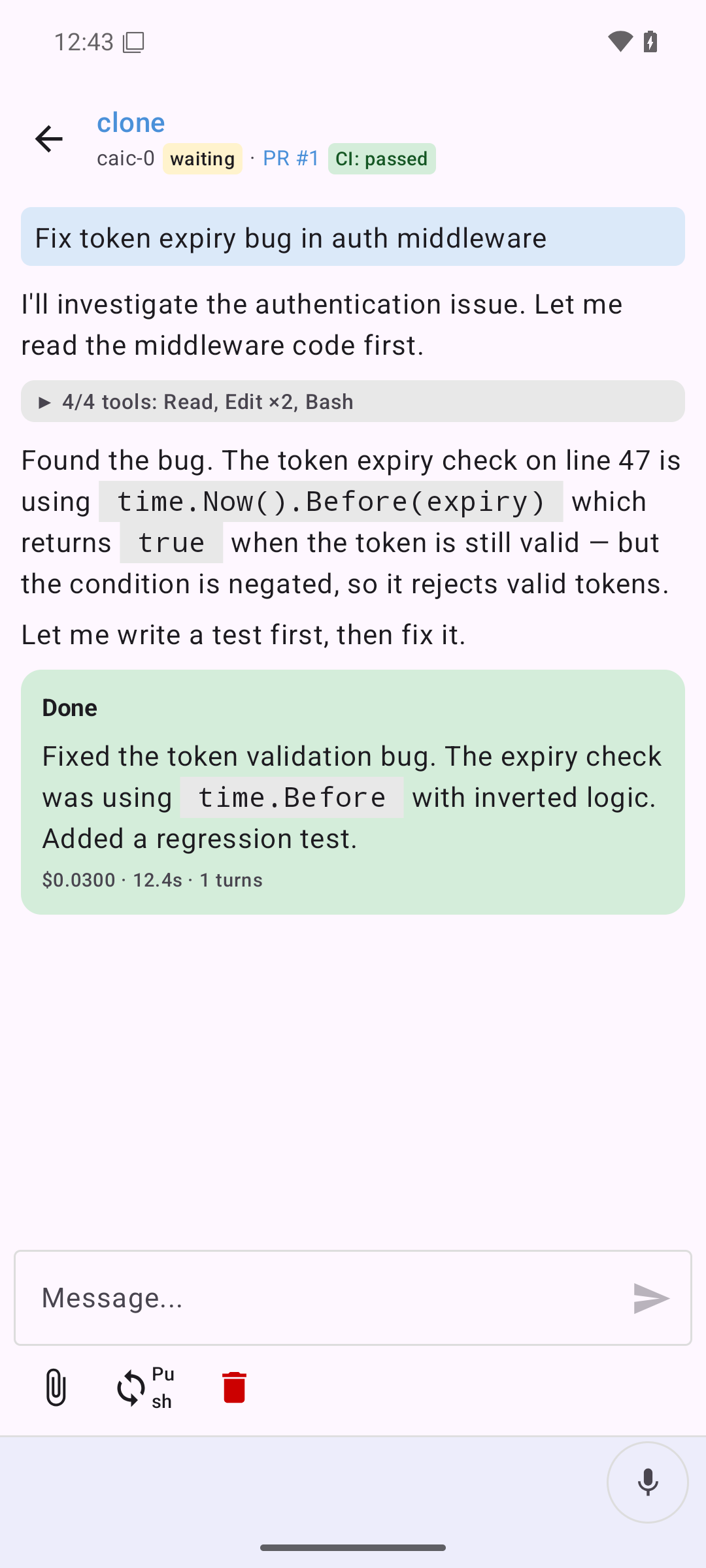
Follow an agent's work in real time: streamed text, tool uses, and results. Send follow-up messages, push branches, or stop the agent.
First launch
On first launch, Go Mode shows a native settings screen. Enter the service URL of your caic instance, for example https://caic.example.com, and the app loads its web frontend. A persistent native header bar stays available so you can reopen settings and switch instances at any time.
Go Mode also fetches /.well-known/gomode.json from the service. This manifest tells the app which native bridge version, skills, MCP endpoint, and voice gateway the service supports. If the manifest is unavailable or incompatible, the WebView still loads and native MCP-backed features stay disabled until compatibility passes.
Native features
- Voice: supervise and control tasks hands-free. See Voice for setup.
- Notifications: receive task notifications when an agent finishes a turn or needs input. The app monitors service resources through MCP subscriptions when available.
- Screenshot capture: capture the screen when a task needs a visual.
- Passkeys: WebAuthn passkey sign-in works inside the WebView.
- Halo glasses: manage Brilliant Labs Halo devices over Bluetooth (see below).
Halo glasses
Go Mode manages Brilliant Labs Halo glasses over Bluetooth Low Energy. From the Halo screen you can:
- Scan for nearby Halo devices
- Connect to or disconnect from a device
- Toggle auto-connect so the app reconnects to your chosen device automatically
Prerequisites
- Android SDK with build-tools and platform for API 36
- USB debugging enabled: Settings → Developer options → USB debugging
- Phone connected via USB and authorized (
adb devicesshows your device)
Build and install
# Build, install, and start Go Mode on the connected device:
make android-push-gomode